
Black Friday Meta ads are where a small store can sell more in four days than in a normal month, and also where it can lose a month's profit in one weekend. Everyone bids for the same people at the same time, discounts shrink your margin, and Meta's review queue gets busy right when you need ads live. The stores that come out ahead aren't the ones with the biggest budgets; they're the ones that prepared ads early, did the discount math before choosing the discount, and knew what they'd do when something broke at 9 a.m. on Friday. This playbook covers all three.
In short: Pick your offer by working out the most a sale can cost after the discount. Build and submit your ads at least a week early so review is done before the rush. Warm up your audience in the weeks before, raise budgets in steps on the days themselves, and have a plan for ads stuck in review, rising costs, stock running out and a site that goes down.
When is Black Friday, and how long is the season?
Black Friday is the Friday after US Thanksgiving (the fourth Thursday of November), so in 2026 it falls on November 27, with Cyber Monday on November 30. In practice the season is longer: many stores start "early access" deals the week before and run through Cyber Monday, which is why the whole stretch is often called BFCM. Outside the US, many countries have adopted Black Friday too, and Latin America has its own big online sale events; we cover those in our guide to Hot Sale, El Buen Fin and Cyber Monday.
If you're reading this in mid-November, don't panic: the timeline below has a compressed version.
The Black Friday timeline at a glance
| When | Focus | Key tasks |
|---|---|---|
| 6 to 8 weeks before | Offer and numbers | Choose products, check stock, do the discount math, check that purchases are being tracked |
| 3 to 5 weeks before | Audience | Grow your email list and warm audiences with regular, non-discount ads |
| 2 weeks before | Creative | Produce the Black Friday ads, in several formats, for each offer |
| 7 to 10 days before | Build | Create the campaigns, scheduled or paused, so Meta reviews them early |
| The week of | Final checks | Raise the account spending limit, test checkout, brief whoever answers messages |
| Black Friday to Cyber Monday | Run and watch | Check every few hours, raise budgets in steps, react to problems |
| The week after | Wrap-up | Thank-you offers to buyers, retarget the near-misses, count real profit |
Compressed version (under two weeks): skip the audience warm-up, put most of your budget behind your best existing ads with a sale message, and build everything in the next two or three days so review is behind you.
6 to 8 weeks before: choose the offer with your margin, not your gut
A discount doesn't just lower your price; it lowers the most you can pay Meta for each sale. This is the number that decides whether Black Friday makes you money. Our guide to break-even cost per sale covers the method in detail. Here's how it plays out with a hypothetical product:
Say you sell a backpack for $80. It costs you $30 to make, $9 to ship and about $3 in payment fees. Before ads, you keep $38 per sale, so that's the most one sale can cost you in ads before you lose money.
| Offer | Price | Kept per sale before ads | Most a sale can cost in ads |
|---|---|---|---|
| No discount | $80 | $38 | $38 |
| 15% off | $68 | $26 | $26 |
| 25% off | $60 | $18 | $18 |
| 40% off | $48 | $6 | $6 |
At 40% off, a sale can only cost $6 in ads. On a busy weekend when everyone's competing for attention, that's a very tight target. At 15% or 25% off you have room. Alternatives that protect the margin often work just as well: a free gift with purchase, free shipping above a threshold, or a bundle ("buy two, get the third at half price") where the average order rises.
Also at this stage:
- Check stock for every product you'll promote. Running out on Saturday while ads keep spending is one of the most expensive mistakes of the weekend.
- Check tracking. If your Meta Pixel or Conversions API isn't recording purchases correctly, Meta's delivery system is optimizing blind and you can't judge results. Test a purchase now; our pixel troubleshooting guide has the checks.
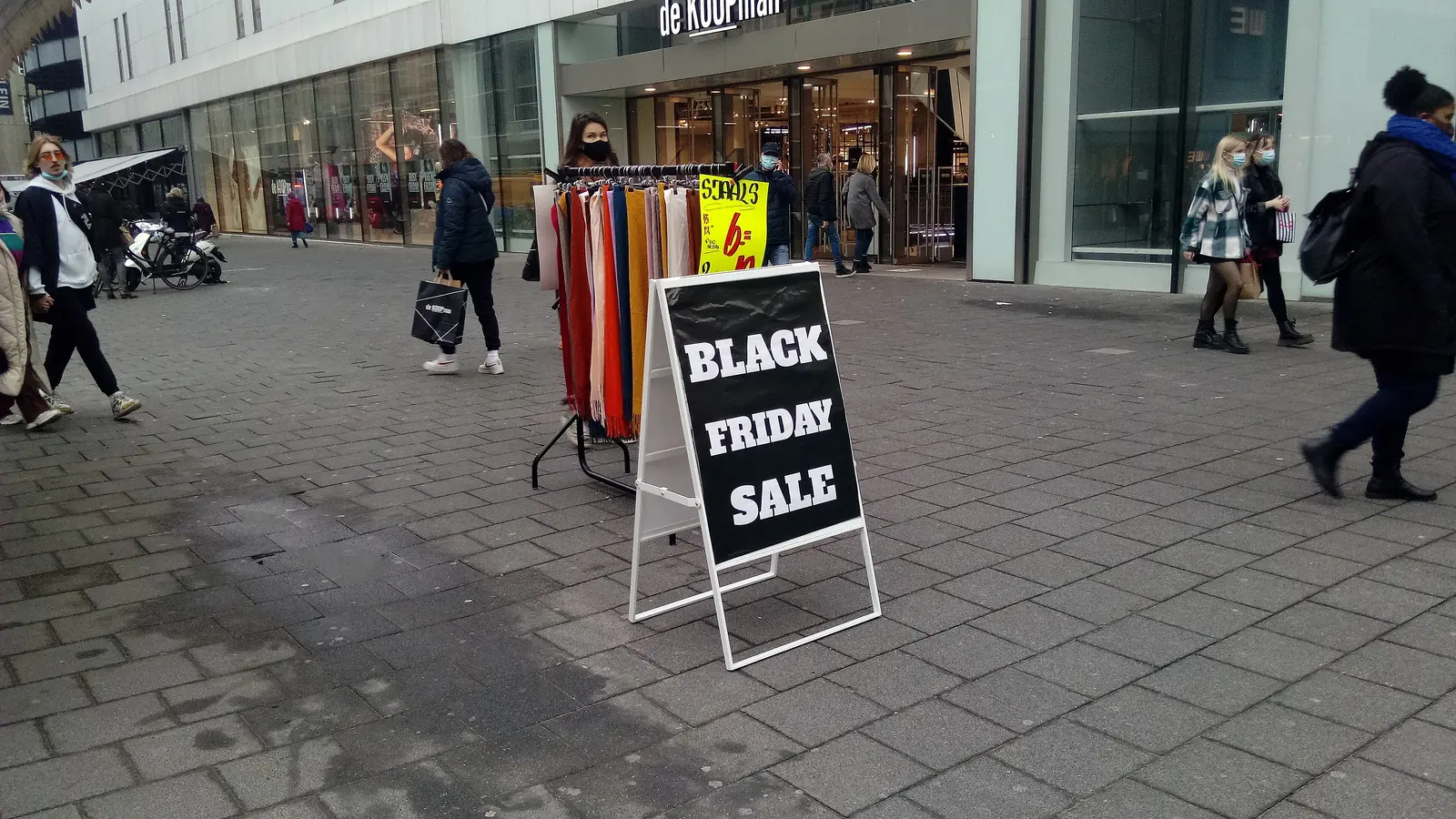
3 to 5 weeks before: warm up your audience
On Black Friday, ads to people who already know you (site visitors, email subscribers, Instagram followers, past buyers) usually do better than ads to cold audiences, because these people are already deciding where to spend. You can grow that warm pool before prices get competitive:
- Run regular ads for your best products, with no discount, to build site visitors and engagement.
- Offer a reason to join your email list ("early access to our Black Friday deals").
- Make sure your website custom audiences are set up so you can retarget visitors later. Our retargeting guide explains how to build them.
2 weeks before: produce the creative
Plan for each offer to have at least three or four ads, so that if one is rejected or tires quickly you have backups ready. A practical set:
- A product photo or short video with the offer in the first line of text and on the image ("25% off, this weekend only").
- A bundle or "gift idea" angle, since many Black Friday buyers are already shopping for the holidays.
- A countdown or deadline version for the last day ("ends Monday at midnight").
- A version for past buyers, with a thank-you tone rather than a hard sell.
Keep claims honest and specific. "Up to 70% off" when only one item is 70% off frustrates shoppers and can get ads rejected. Avoid exaggerated urgency you can't back up.
7 to 10 days before: build everything and let review happen early
This is the step most small stores skip. Meta reviews every new ad, and every significant edit sends an ad back into review. Meta's own help article about ads in review explains the process; most ads clear quickly, but some take longer, and you don't want to find out which on Friday morning.
- Create the Black Friday campaigns now, scheduled to start on the right day or left paused. Either way, the ads go through review before the rush.
- Don't plan on editing ads on the day. Changing the image or text of a live ad can send it back to review. If you need a new message ("last day!"), prepare it as a separate ad in advance.
- Have a backup ad for each offer in case one is rejected. If it happens anyway, our guide to rejected Meta ads covers the fixes.
The week of: final checks
- Raise your account spending limit if you set one, and check your payment method can handle a higher spend. A declined card on Saturday stops every ad. If your card is close to its limit, add a backup payment method now.
- Test checkout on a phone, with a real card, including any discount codes.
- Decide your budget plan in advance. For example (hypothetical numbers): if you normally spend $50 a day, you might plan $80 on Thursday, $150 on Friday and Saturday, $100 on Sunday and $150 on Cyber Monday, but only raise each step if the cost per sale is below your limit from the table above.
- Brief whoever answers messages and comments. Ads get questions, and unanswered questions under an ad hurt it.

Black Friday to Cyber Monday: run, watch and react
Check your results every few hours, not every few minutes. Meta's reported numbers lag, and decisions made on 20 minutes of data are usually noise. Look at three things: spend, cost per sale against your limit, and whether anything stopped delivering.
Raise budgets in steps. A large jump can send an ad set back into the learning phase, where results are less stable. Moderate increases on campaigns that are already under your limit are safer than doubling everything at once.
What can go wrong on the day, and what to do
| Problem | What you'll see | What to do |
|---|---|---|
| Ads stuck in review | Status "In review" for hours, no delivery | Turn on the backup ad you prepared; don't keep editing the stuck one, each edit restarts review |
| Cost per sale rising | Spend climbing, sales flat or slowing | Compare to your limit; if over it for most of a day, lower the budget or pause the weakest ad set rather than everything |
| Stock running out | Sold-out product still in ads | Pause those ads immediately; swap in a similar product or a "back soon" email capture |
| Site down or slow | Clicks with no add-to-carts, or no sales at all | Pause campaigns while you fix it; Meta keeps charging for clicks to a broken page |
| Payment declined | Ads stopped, billing notice | Add the backup payment method; check your bank isn't blocking the higher charge |
| Purchases not tracked | Sales in your store but not in Ads Manager | Check the pixel on the order confirmation page; judge results from your store's orders until it's fixed |
A hypothetical scenario: It's 9 p.m. on Black Friday. Your campaign's cost per sale has crept from $14 to $24 over the evening, and your limit at 25% off is $18. Before pausing, check two things: is it one ad set or all of them, and has the frequency (how often the same people see your ad) gone up a lot? If one ad set is responsible, pause it and keep the rest. If everything is up, it may be the auction getting more crowded that evening; lower budgets back to the morning's level rather than turning everything off, and check again in the morning. Our guide to a sudden cost per sale spike has more diagnostic steps.
After the weekend: wrap up and keep the buyers
- Decide on extensions carefully. "Extended" sales can work, but repeated last chances make shoppers wait for the next deal.
- Exclude recent buyers from the sale ads so you don't pay to reach people who already bought.
- Retarget the near-misses (cart abandoners, product viewers) with a holiday gift message rather than the same discount. The Christmas season starts right away; see our Christmas and holiday Meta ads guide.
- Count real profit: orders from your store, minus product costs, shipping, fees, returns and ad spend. That's the number to plan next year with.

How Meta Ads Copilot Max helps with Black Friday
Meta Ads Copilot Max is built for the moments when you can't watch Ads Manager all day. With it, you can turn a product page into a ready ad and have Claude in Chrome build the campaign in Ads Manager, created paused, so your Black Friday campaigns are ready and reviewed well before the weekend and nothing spends until you approve it. Set your margin per sale (the discounted one) and Copilot alerts you when a campaign's cost per sale goes over it, as well as when ads are stuck in review or rejected, when spend has no results, or when frequency gets high. Connect the read-only Spend tab and it refreshes every 15 minutes by default, so you can see today's spend and every campaign without opening Ads Manager. It requires the Claude in Chrome extension and never touches billing or payment methods. Start your free 7-day trial to try it.
Frequently asked questions
When should I start Black Friday ads on Meta?
Start warming up your audience three to five weeks before, and create the Black Friday campaigns themselves at least a week before so Meta's review is done before the rush. If you're late, build everything now and focus your budget on your best existing ads with a sale message.
How much should I increase my budget for Black Friday?
There's no right percentage for every store. Decide the most a sale can cost after the discount, then raise budgets in steps only on campaigns that stay under that number. Large jumps can send ad sets back into the learning phase.
Should I create new campaigns or use existing ones?
Existing campaigns with a track record of purchases are a strong base; you can add new sale ads to them. New campaigns for the offer are fine too, as long as they're created and reviewed a week or more ahead.
What discount should I offer on Black Friday?
The one your margin can pay for. Work out what you keep per sale after the discount and compare it with your usual cost per sale. If a 40% discount leaves almost nothing for ads, a smaller discount, a bundle or a free gift may earn more.
What if my ads are still in review on Black Friday morning?
Switch on a backup ad that was already approved, and avoid editing the stuck ad, because each edit restarts review. This is why preparing ads a week early matters so much.